Introducing Cordelia
That felt like the right name for a writing tool. Say less. Mean more.
Cordelia is a native macOS Markdown editor, and it’s the successor to Prose, the React app I built in a weekend when I got tired of fighting my editors. Prose taught me what I actually wanted from a writing environment. It also taught me the limits of asking a web stack to feel like a Mac app. Some things you can only get by going native: real windows, real documents, real text rendering, and all the small behaviors Mac users don’t consciously notice until they’re missing.
So I rebuilt it—SwiftUI and AppKit, a real NSTextView at the center, and the document machinery macOS has been perfecting for twenty years. Autosave, rename from the titlebar, the edited dot, the save prompt that appears exactly when it should. I didn’t write any of that. The system provides it, and the system does it correctly. My job was to not get in its way. There’s a term of art for the result: a Mac-assed Mac app.
The Page#
Everything in Cordelia flows from one idea: the editor should feel like paper.
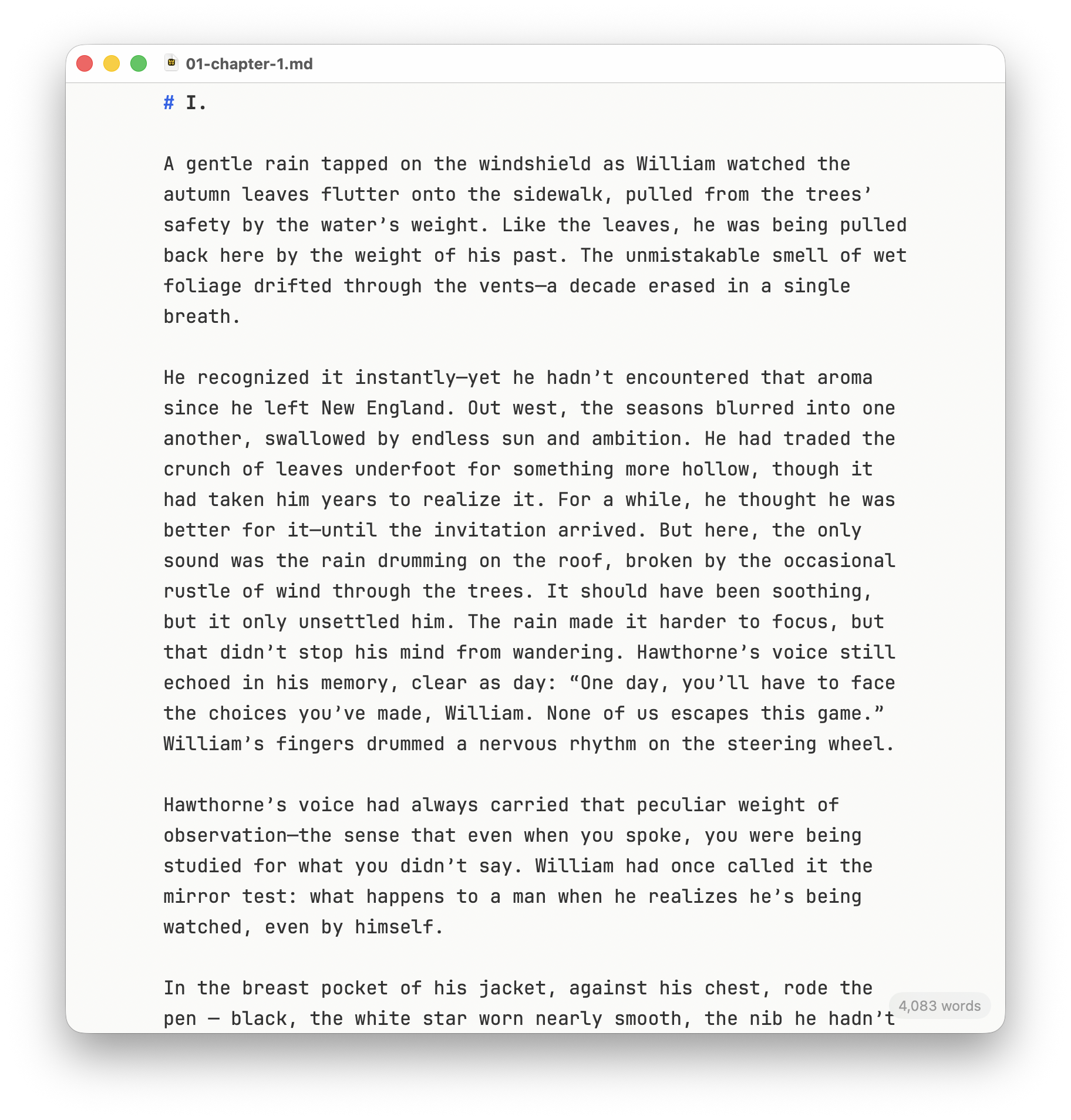
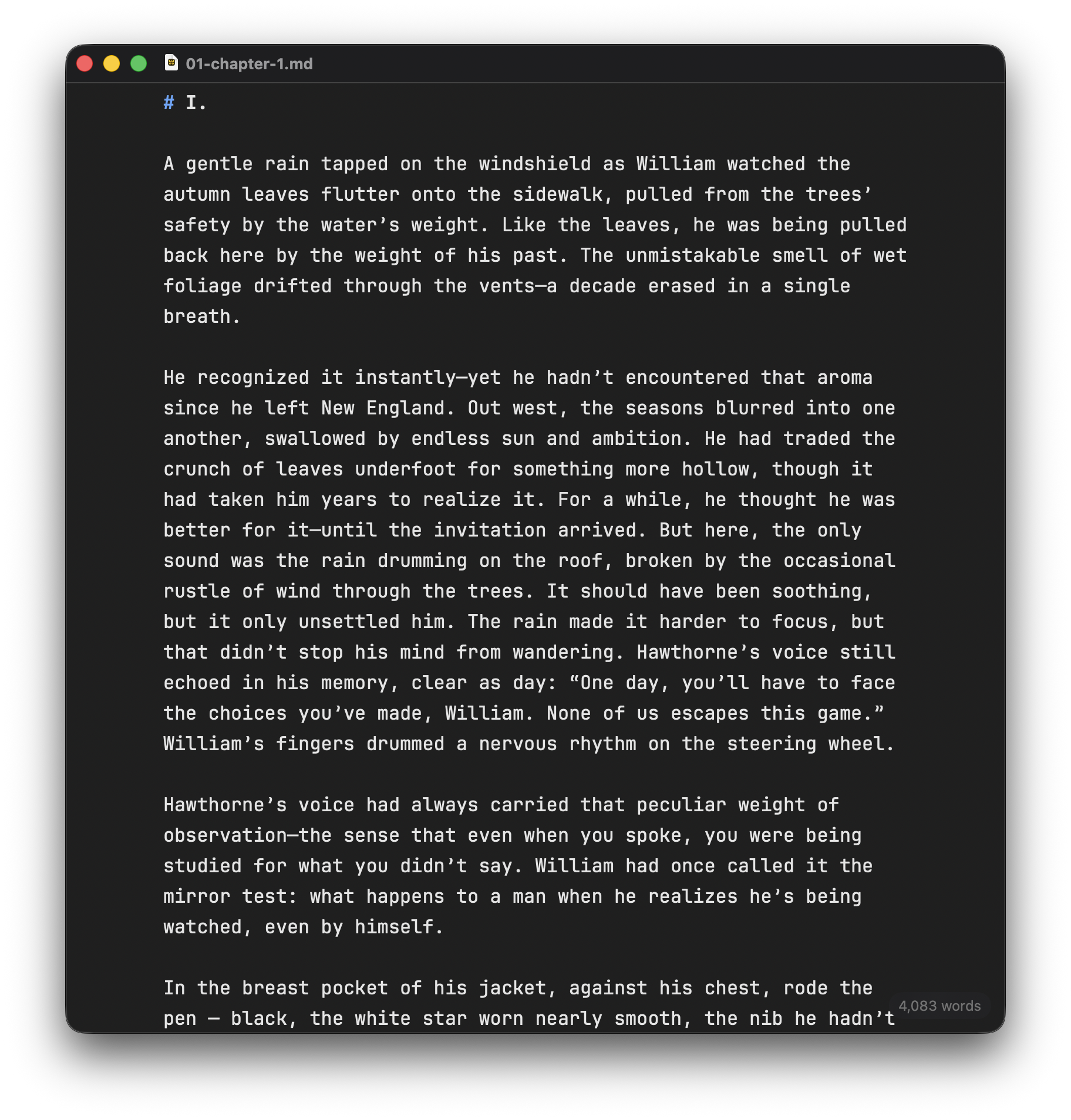
Your text sits centered at a 66-character measure—the line length typographers have favored for centuries because it’s what the eye can track without effort. The window can be any size; the page stays the same. Formatting renders live as you type: bold is bold, headings are heavy, quotes step politely to the right. But the Markdown marks never disappear. They fade to 40% ink—present when you look for them, invisible when you don’t. You’re always editing plain text. You can always see exactly what you’ve written.
There is no preview pane. There is no mode switch. There’s just the page, and the page tells the truth.
The Writing Club#
Here’s the feature I built for myself, because I couldn’t find it anywhere else.
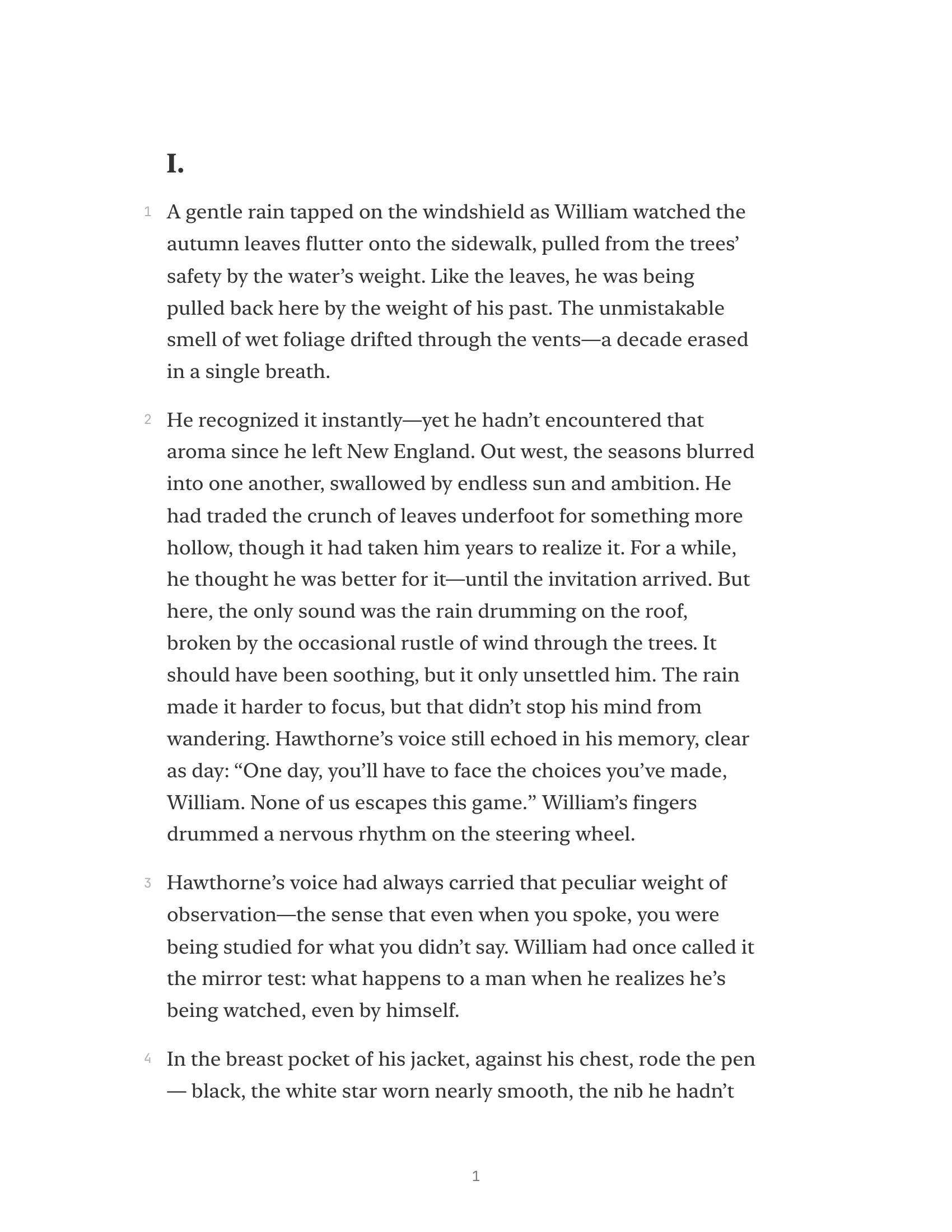
Every week I hand chapters to members of my writing club, and every week I fought the same battle: getting clean, typeset pages out of a Markdown file, with enough margin for someone to actually write in. Cordelia’s export (⇧⌘E) produces a PDF designed for exactly this—serif type at a comfortable size, generous leading, a wide right margin left deliberately empty as annotation space, and optional line numbers down the gutter so feedback can say “line 142” instead of “that paragraph near the middle of page six.”
You write in a monospaced editor that feels like a manuscript. You hand your readers something that looks like a galley proof. The tool handles the distance between the two.
Every Feature Earns Its Place#
Prose’s philosophy carries forward unchanged: lightweight doesn’t mean featureless—it means nothing is there that doesn’t earn its place. Cordelia has fifteen Markdown patterns, a find bar, a word count, keyboard shortcuts for the formatting you actually use, and an export command. That’s the whole feature list.
It’s sandboxed and headed for the Mac App Store. I’m writing my novel in it right now, which means every rough edge gets discovered by the person most motivated to fix it.
Cordelia’s namesake lost a kingdom for refusing to dress up the truth. The play sides with her anyway. Good writing works the same way—and the right tool is the one that asks nothing of you but prose.
Cordelia is currently in a closed alpha. If you’d like to try it, get in touch—I’d love to hear from you.
Like Prose before it, Cordelia is dedicated to my father, Philip King.