Cordelia 0.4.0: Staying in the Flow
Flow doesn’t break all at once. It erodes—one small interruption at a time. You finish a bullet and have to retype the dash. You need the scene two chapters back and start scrolling for it. You type your way to the bottom of the window and your eyes trail the cursor down until you’re squinting at the last line of the screen like the bottom row of an eye chart.
Cordelia 0.4 is about those interruptions. Three features, each removing a moment where the tool made you stop writing in order to operate it.
Lists Continue on Return#
Press Return at the end of a list item and the next one is already waiting—bullet, number, or quote marker, matched to whatever you were writing. Press Return on an empty item and the list ends, dropping you back into an open paragraph. Your hands already know this gesture from every good text editor on the Mac; now the page honors it.
The detail I care about most is the one you should never see: undo. Each Return—marker, renumbering, and all—undoes as a single step. Nobody notices when this is right. Everybody notices when walking back one keystroke takes three presses of ⌘Z. A convenience that breaks undo costs more attention than it saves, and the entire point of this feature is to go unnoticed.
Go to Heading#
Your manuscript already has a table of contents. You wrote it yourself, one heading at a time—it just wasn’t summonable until now.
⌥⌘O opens a menu of your document’s headings, nested the way you nested them. Arrow through the structure, or start typing a heading’s name to filter the list, then press Return to jump. A checkmark sits beside the section you’re in right now, so the menu orients you before it moves you.
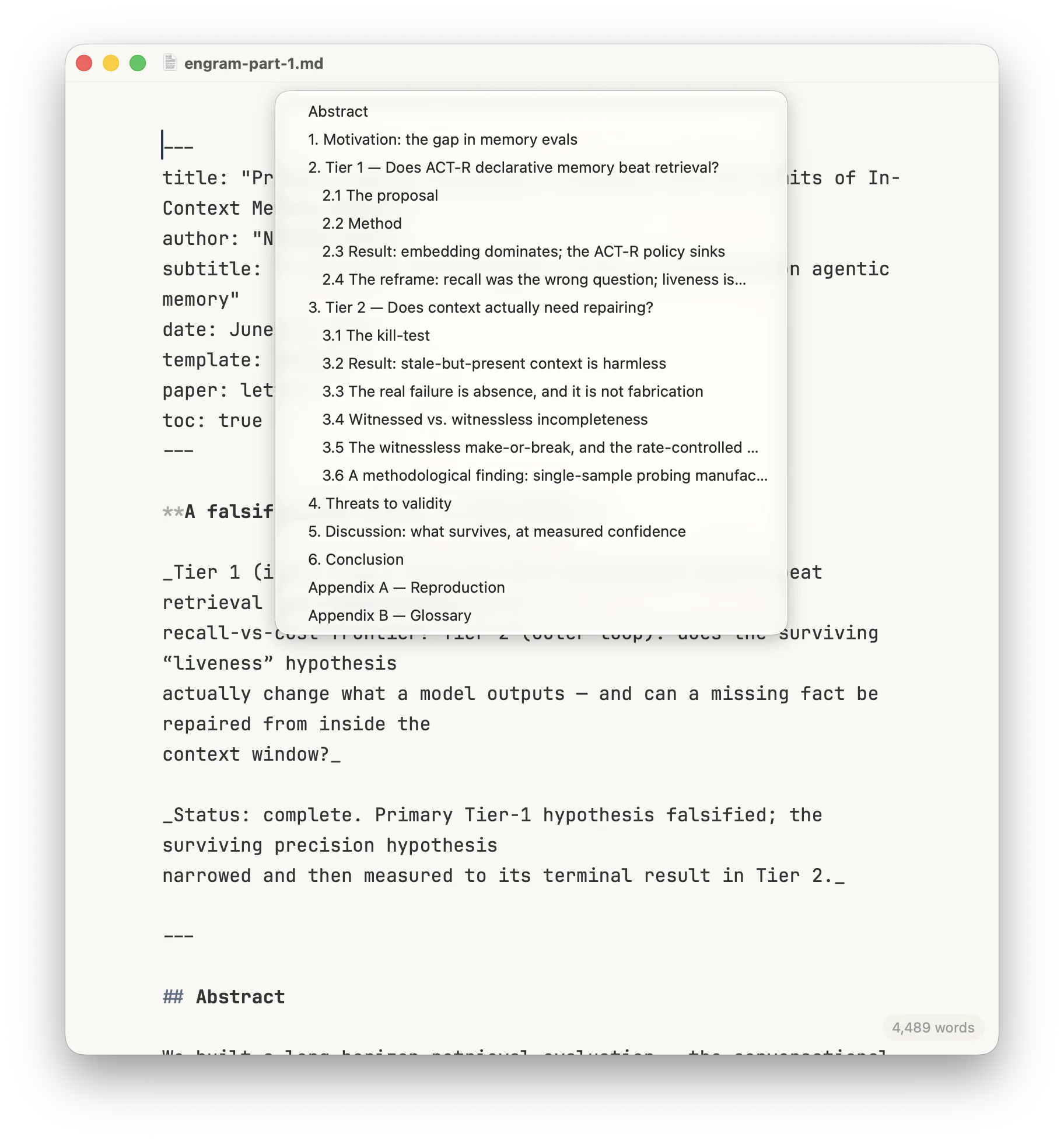
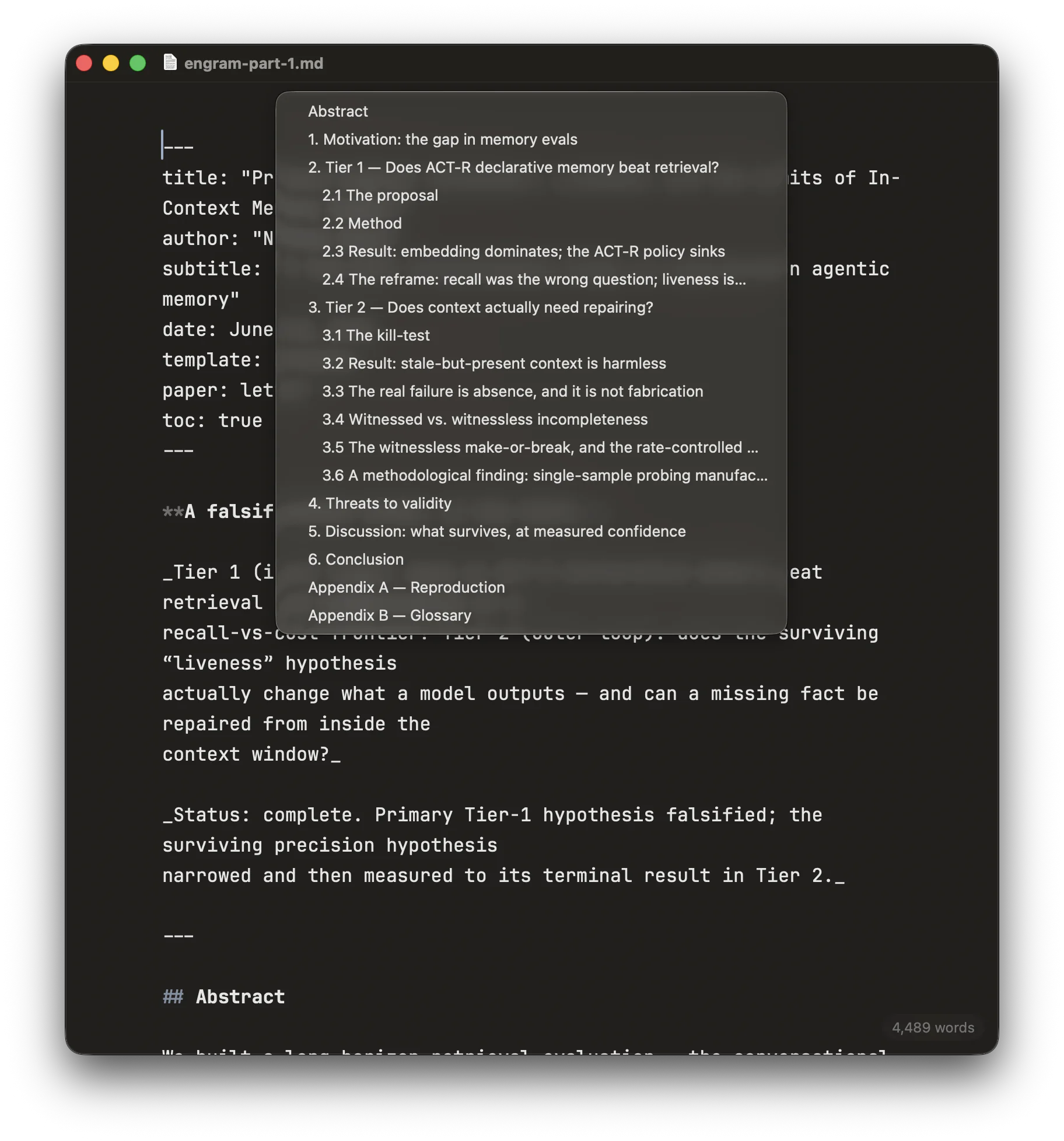
I’m writing a novel in Cordelia, so long, chaptered documents are not a hypothetical workload. The difference between scrolling toward a scene and naming it is the difference between losing your train of thought and keeping it.
Typewriter Scrolling#
The line you’re typing holds still, a little above center. The page moves; your eyes don’t.
That’s the whole feature, and it’s older than the screen. A typewriter’s type bars couldn’t move, so the paper did—every carriage return advanced the platen and the typing point stayed put in front of you. Screens inverted this: the page froze and the cursor wandered, and writers have been chasing it toward the bottom edge ever since. Typewriter scrolling (⌥⌘T, or the View menu) puts the old arrangement back. Each new line snaps the page up like a platen advancing, and the sentence you’re building stays exactly where your eyes already are.
The rule underneath it: the view moves on its own only while you’re producing text. Toggling the mode on or off glides smoothly. Clicking, arrowing around, scrolling—none of it shifts the page out from under you. A view that repositions itself while you’re merely navigating isn’t keeping you in the flow; it’s fighting you for the wheel.
Still no preview pane. Still no modes. Three features, each earning its place the same way everything in Cordelia must—by removing friction rather than adding surface.
Cordelia is still in closed alpha, and I’d still love for you to try it. Get in touch.