GrindLab 1.3: Your Data Deserved Better
GrindLab 1.3 is out on the App Store. It’s not a flashy release — no new screens, no new features. It’s the release where I paid down the two debts that worried me most: how the app stores your data, and two calibration bugs that could skew every measurement downstream.
One bad entry…#
The worst bug in this release is one I’m glad was found by code review rather than a user’s one-star review. Since 1.0, saved analyses and brew journal entries were stored as encoded blobs in preferences. If a single entry became corrupt — or was written by a newer app version — the load failed, and the app’s recovery strategy was to delete the entire store on the next launch. Up to fifty analyses or two hundred journal entries, gone because one of them wouldn’t decode.
1.3 fixes this at every layer. Each entry now loads independently, so a bad one is skipped and everything intact still loads. Anything undecodable is snapshotted to a backup before the first save can overwrite it. And custom recipes get the same treatment — a failed read no longer replaces them all with the defaults.
A real database#
The deeper fix was getting off preference blobs entirely. Your analysis history, brew journal, and recipes now live in a proper SwiftData store. Existing data migrates automatically on first launch, and the migration is built to be boring: it skips anything already imported, backs up anything unreadable, and leaves the original data in place as a safety net.
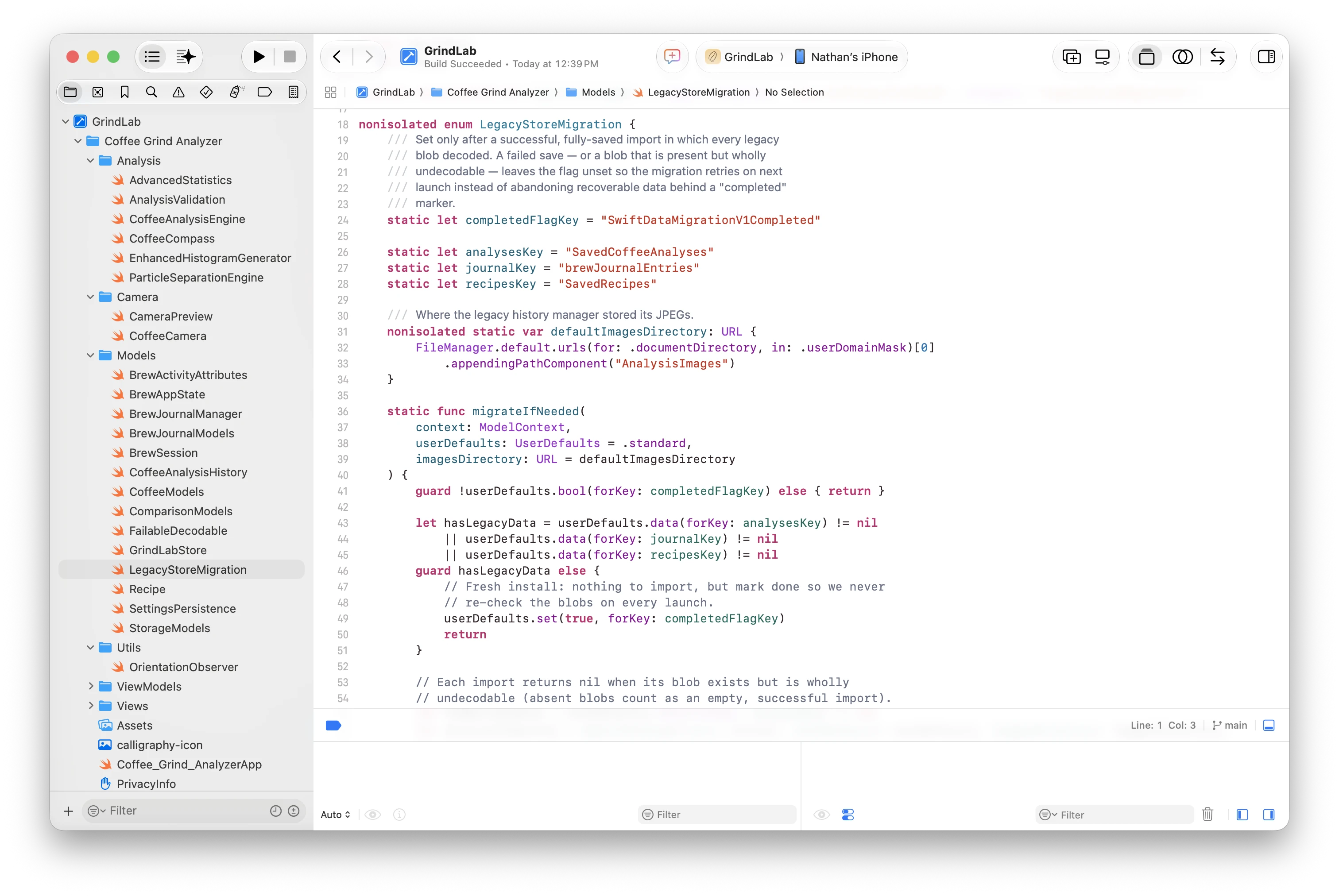
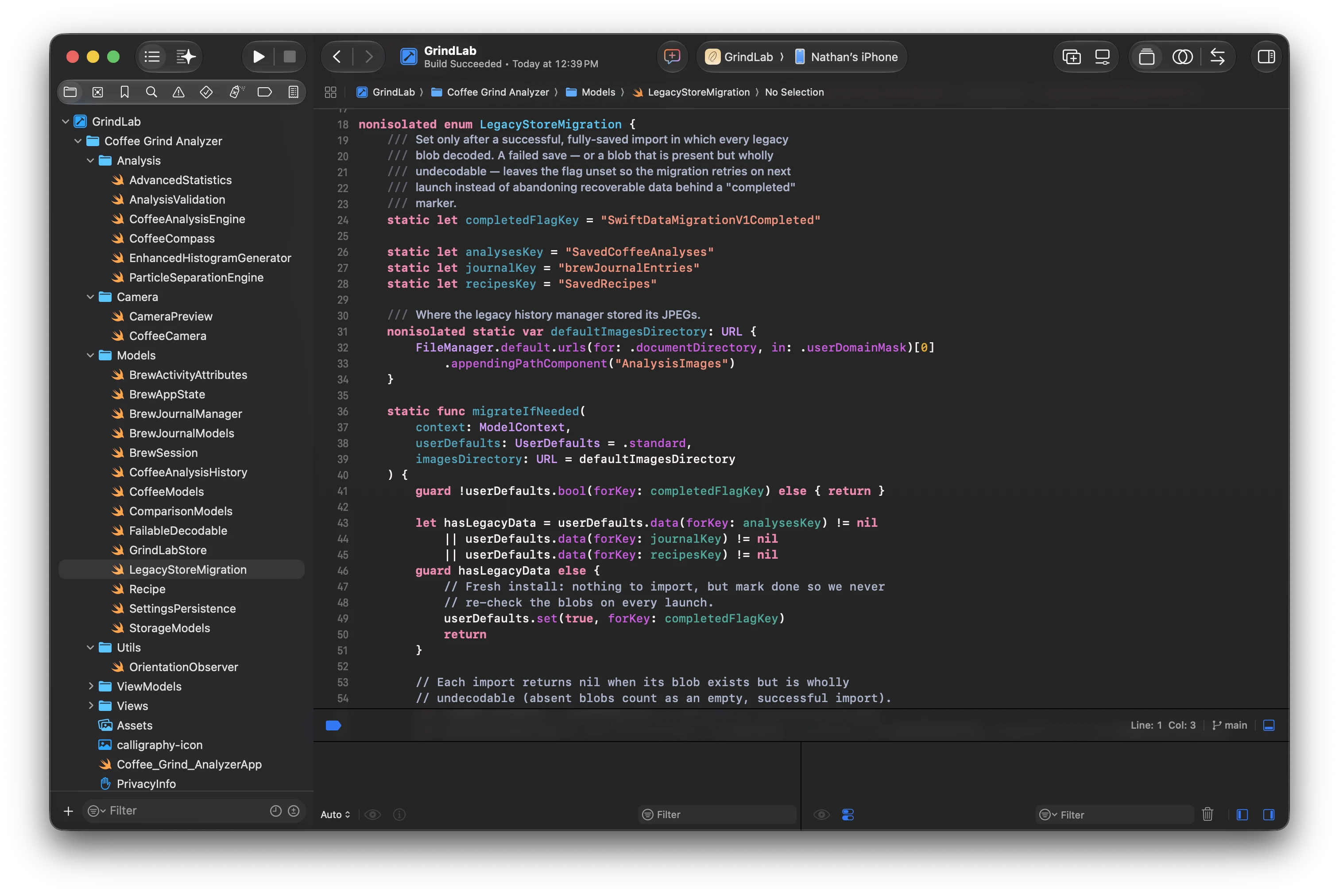
If the database ever fails to open, the app falls back to a temporary in-memory store rather than crashing — your on-disk data stays untouched and gets retried next launch.
The models are deliberately CloudKit-compatible from day one, which is the real headline here: this release lays the groundwork for iCloud sync.
Calibration that tells the truth#
Two bugs could throw off the µm/pixel calibration itself — the number every measurement in the app depends on.
First, pinch-zooming the reference photo during ruler calibration made taps land on the wrong pixel, with the error growing as you zoomed. The view-to-image mapping is now extracted into a pure-math geometry type with unit tests covering zoom and pan round-trips, so taps map to the right pixel however you frame the ruler.
Second, the calibration factor was computed from the ruler distance in screen points while the analysis engine measures particles in true image pixels. On a scaled calibration photo, that mismatch slightly inflated every reported particle size. The factor now comes from the true pixel distance. Typical photo-library imports were unaffected, but if you calibrated from a scaled image before this fix, recalibrate once to correct your readings.
The unglamorous release#
When I shipped 1.0, I wrote that the difference between a project and a product is mostly the last twenty percent. Releases like this one are what that twenty percent looks like after launch: migrations, backups, fallback paths, and sixteen new persistence tests nobody will ever see. If GrindLab is going to be the place you keep a year of dialing-in history, it has to be a place that doesn’t lose things.
Version 1.3 is available now, still free, still entirely on-device.